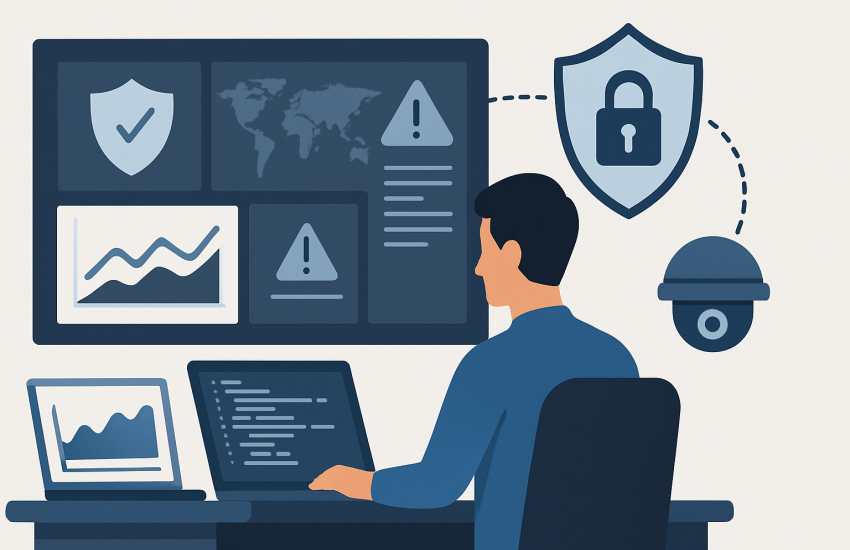
Managed SOC Services Explained: What Developers Should Know Before Buying

A Managed SOC Is a Night Shift for Your Security Team
Managed Security Operations Center services provide 24/7 monitoring, investigation, and response through an outside security team. That sounds impressive. For a 30-person company, it can be useful, but only if the service covers the systems you actually use and makes clear who does what during an incident.
A SOC watches for suspicious activity across your environment. Analysts review alerts, investigate possible attacks, decide whether an event is real, and escalate it to the people who can act. Depending on the service, monitoring may include networks, laptops, servers, cloud platforms, SaaS applications, and identity systems.
The goal is not to collect more alerts. The goal is to find the few alerts that deserve a phone call.
What You Are Actually Buying
A managed SOC commonly combines several technologies. SIEM platforms collect and correlate logs. EDR or XDR tools watch endpoints and related activity. SOAR tools can automate parts of the response. Threat intelligence gives analysts more information about suspicious files, addresses, domains, and attacker behavior.
Those product names matter less than the operating process behind them. A provider can install expensive tools and still deliver a poor service if nobody reviews the alerts or knows your business.
We would ask how the provider handles a compromised Microsoft 365 account, a ransomware alert on a laptop, or an unusual login from another country. Does someone investigate it? Does the provider isolate the device or disable the account? Will a person call your owner, office manager, or IT contact at 2 a.m.?
If the answer is “you will receive a ticket,” that is not the same as incident response.
Coverage Must Match Your Real Environment
Many businesses start by protecting endpoints and stop there. That leaves important gaps. An attacker may enter through email, steal a cloud identity, access a SaaS application, or use an unmanaged device.
Before signing anything, list the systems that hold business data or control access to it. Include laptops, servers, firewalls, Microsoft 365 or Google Workspace, cloud services, remote-access tools, line-of-business applications, and administrator accounts.
Then compare that list with the provider’s coverage. A service that monitors laptops but ignores identity activity will miss a common path into the business. A service that watches cloud logs but cannot investigate endpoint behavior is also incomplete.
Pricing is often based on devices, users, or seats. That makes the monthly bill easy to estimate, but it does not tell you what is included. Ask whether servers, cloud workloads, log storage, onboarding, after-hours calls, and response actions cost extra.
Your Provider Does Not Own the Whole Incident
Outsourcing monitoring does not outsource every security responsibility. Your business still has to provide accurate information about its systems, approve access, maintain policies, and handle remediation unless the agreement specifically assigns those tasks to the provider.
This distinction matters. A SOC analyst may identify a malicious login, but someone still needs authority to reset the account, contact the employee, review exposed data, and decide whether operations must stop.
Write those decisions down before an emergency. Name the contacts. Define who may isolate a computer or disable an account. Set rules for after-hours escalation. Decide what happens if the primary contact does not answer.
We would also ask how the provider protects its own access to your environment. Require separate accounts, multifactor authentication, limited permissions, logging, and a process for removing access when the contract ends.
What We Would Do With a Limited IT Budget
We would not begin by buying every security product a provider offers. First, we would inventory the environment, confirm that basic protections are working, and identify the hours when nobody is watching for suspicious activity.
If the company has no internal security staff and depends on cloud email, remote access, and several dozen endpoints, managed monitoring can close a real gap. It gives the business access to analysts without building an overnight team of its own.
We would request a sample monthly report and a sample incident notification. We would ask for the service’s response process in plain language. We would also test a contact escalation before trusting the service with a serious event.
A managed SOC is not a magic shield. It is an outside team watching for trouble and helping decide what happens next. That can be a sensible purchase for a small business, but only when the contract names the systems, actions, contacts, and responsibilities clearly.
Start by listing every device, cloud service, and administrator account your business relies on, then ask IT911Now to review where continuous monitoring would close a real gap.